📋 Table of Contents
Common Windows Update Errors
Windows Update errors like 0x80070002, 0x80240034, and 0x800f0922 are frustrating but fixable. Common causes include corrupted update files, insufficient disk space, conflicting software, and network issues.
1. Restart and Retry
The simplest fix: restart your PC and try again. Go to Settings → Windows Update → Check for updates. Many temporary glitches resolve after a restart.
2. Run Update Troubleshooter
Go to Settings → System → Troubleshoot → Other troubleshooters → Windows Update. Click "Run." This tool automatically fixes common update issues including corrupted components and stuck downloads.
3. Clear Update Cache
Stop the update service first: open Command Prompt as Admin and run net stop wuauserv. Then delete everything in C:\Windows\SoftwareDistribution\Download. Restart the service: net start wuauserv. This forces Windows to re-download updates fresh.
4. Reset Update Services
Open Command Prompt as Admin and run these commands one by one:
net stop wuauservnet stop cryptSvcnet stop bitsren C:\Windows\SoftwareDistribution SoftwareDistribution.oldnet start wuauservnet start cryptSvcnet start bits
5. Free Up Disk Space
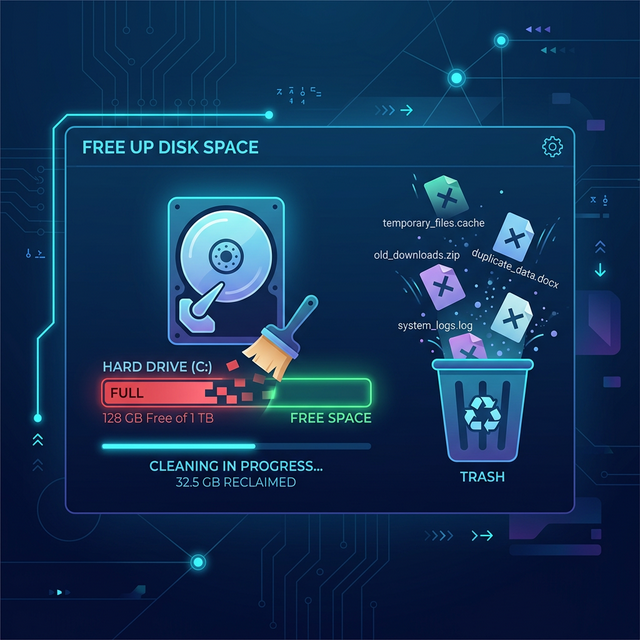
Updates need free space to download and install. If your C: drive is nearly full, free up disk space first. Windows needs at least 10 GB free for major updates and 2-3 GB for cumulative updates.
6. Install Updates Manually
Visit the Microsoft Update Catalog, search for the KB number from the failed update, download the correct version for your system (x64 for 64-bit), and install it manually.
7. Run SFC and DISM
These built-in tools repair corrupted system files. Open Command Prompt as Admin:
sfc /scannow — scans and repairs system files
DISM /Online /Cleanup-Image /RestoreHealth — repairs the Windows image using Windows Update
Run DISM first, then SFC. Restart and try updating again.
Frequently Asked Questions
How long should Windows Update take?
Small updates: 5-15 minutes. Feature updates (like 24H2): 30-90 minutes. If stuck for over 2 hours, force restart and try again.
Can I skip certain updates?
You can pause updates temporarily via Settings → Windows Update → Pause updates. However, security updates are important and should not be skipped long-term.